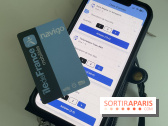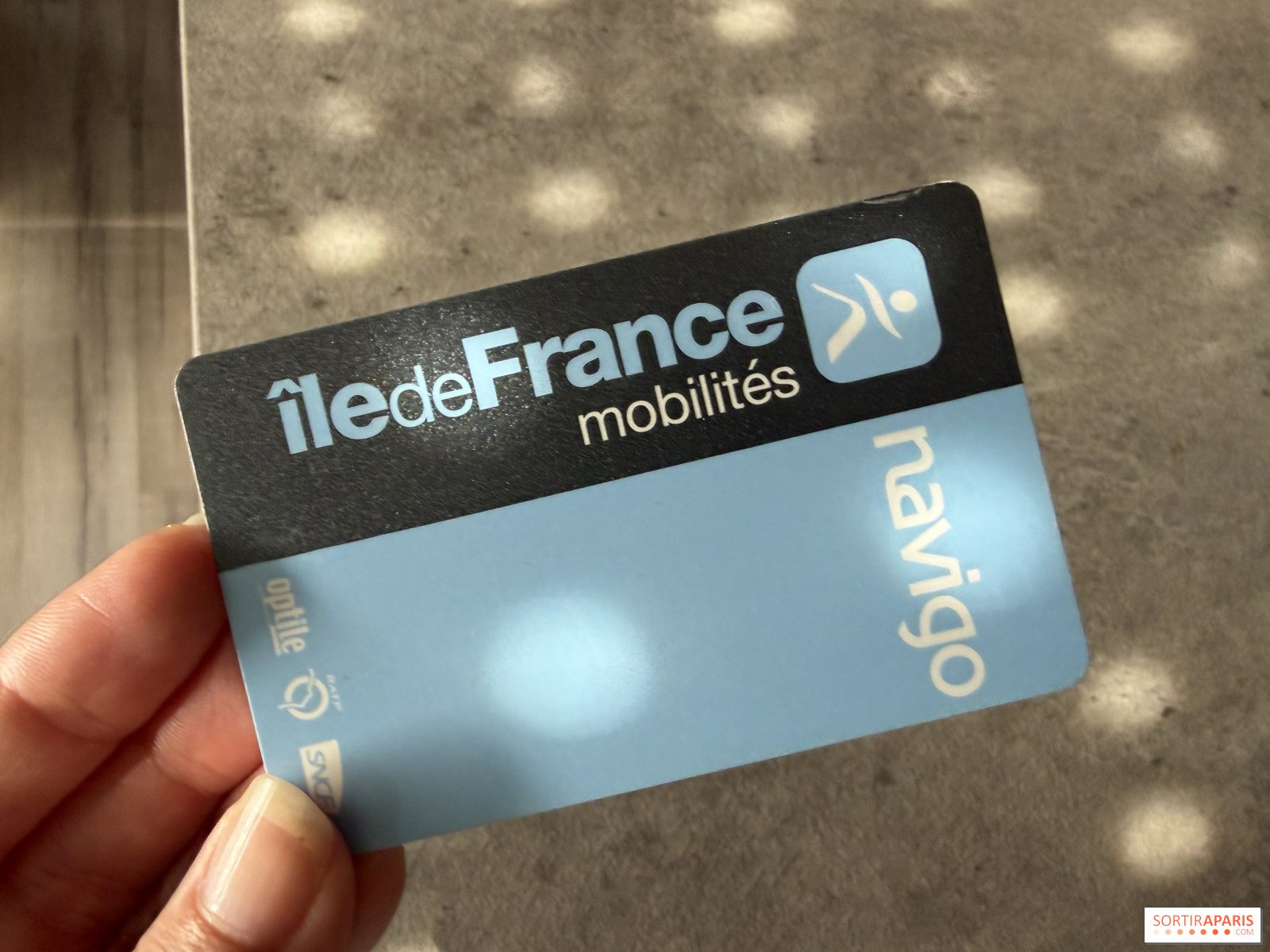
Good news for public transit users in Île-de-France: after months of waiting, the annual Navigo pass is now compatible with iPhones. Until now, only certain transport passes could be used from an Apple device, while the rest worked on Android. Now, iOS subscribers with the Annual Navigo pass can travel without pulling out their physical card.
This development is part of Île-de-France Mobilités' ongoing push to digitalize travel passes. The aim is to make daily commutes easier by allowing travelers to validate directly with their phones, just as they already do with contactless cards or digital tickets.
The procedure takes only a few minutes, provided you have a compatible iPhone and the latest version of the Île-de-France Mobilités app.
Here are the main steps:
You’ll then be able to validate your trips by simply presenting your iPhone to the compatible validation terminals.
Yes. Like a credit card, you can enable Express mode. This feature lets you pass through without unlocking your iPhone, opening Apple Wallet, or using Face ID. Just bring the phone up to the validator.
To check or change this setting, head to Settings > Cards & Apple Pay > Express Card.
Transferring the pass to the iPhone replaces its use on the physical Navigo card. The same subscription cannot be used on both formats at the same time. If you change phones, transfer procedures are available via the Île-de-France Mobilités app.
With the launch of the Navigo Annual Pass on iPhone, most of Île-de-France’s key transport passes are now accessible from a smartphone. This long-awaited advance for many travelers means they no longer have to remember to bring their Navigo card before hopping on the metro, the RER, tram, or bus.
This page may contain AI-assisted elements, more information here.